
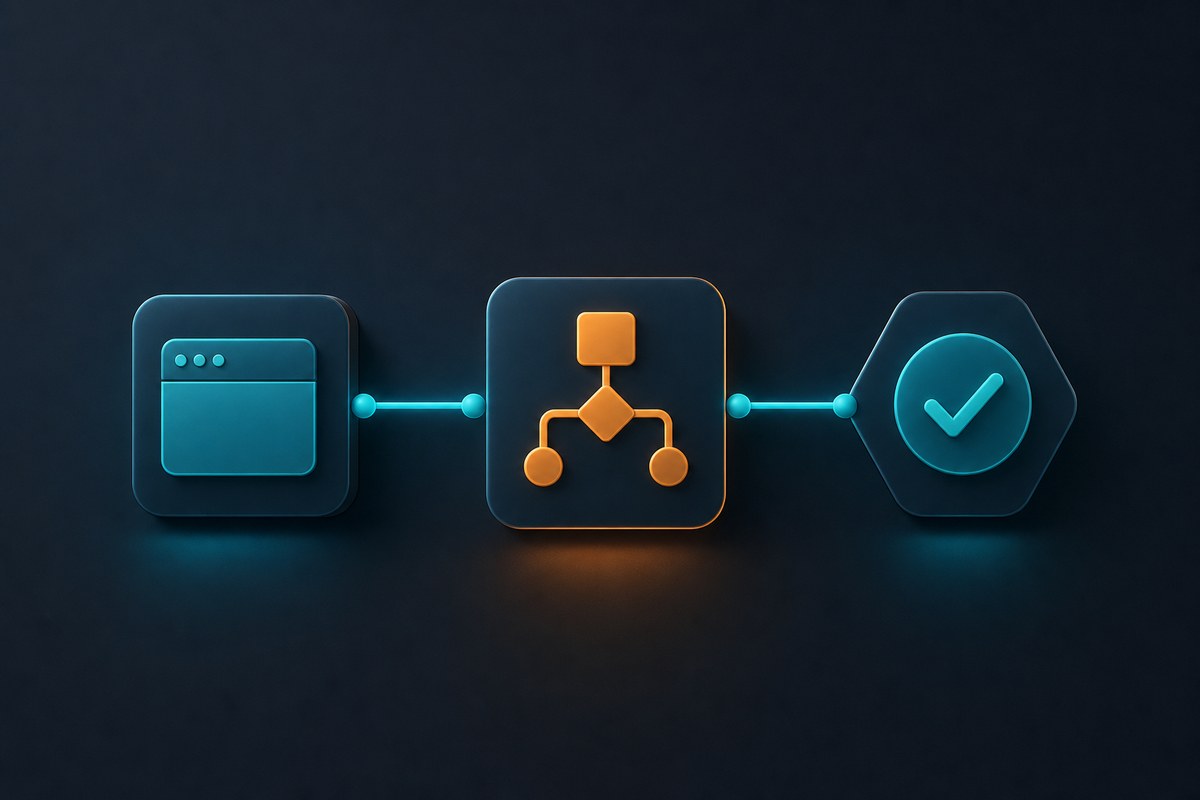






Centralize environments, workflow templates, and permissions.
Enterprise AI browser automation
AI browser workspaces and web workflow automation
Centralize browser environments, automate recurring web processes, manage team access, and monitor activity from one SaaS console.
2d
typical support response
6
core feature groups
API
connect internal systems
SaaS
digital delivery


Why Web4 AI
Turn scattered web tasks into governed business workflows
Teams can manage browser environments, workflow templates, run logs, and member permissions in one shared console for smoother handoff, audit, and scale.
Compliance boundary: Web4 AI supports lawful business workflow automation on customer-owned or properly authorized web systems. Customers remain responsible for permissions, credentials, and third-party platform rules.
Reusable workspaces
Manage environments, tasks, and access by project.
Traceable automation
Keep status, logs, and accountability for every run.
Capabilities
Enterprise AI browser workflow suite
Built around browser environments, automation, permissions, security, and integrations.
Customer Scenarios
From workspace setup to team reporting
See how Web4 AI helps teams operate AI browser workflows.
Customer feedback
What teams say about Web4 AI
Feedback from teams using browser workspaces, workflow automation, permissions, and usage reports.

Maya Chen
QA Lead★★★★★
Web4 AI helped us keep release testing workspaces consistent across browsers and projects.

Daniel Brooks
Operations Manager★★★★★
Recurring web tasks are easier to schedule, review, and hand off between team members.

Priya Nair
Automation Engineer★★★★★
The API and webhook flow gives our internal tools a clear browser workflow status trail.

Lucas Martin
SaaS Founder★★★★★
Fixed plans made budget approval simple, while the trial gave our team enough time to evaluate.

Elena Rossi
Commerce Team Lead★★★★★
Project workspaces, roles, and activity logs keep daily browser operations organized.

Kenji Sato
IT Administrator★★★★★
The permission model and audit view help us manage access without slowing the team down.
FAQ
Subscription and delivery questions
These answers help customers understand delivery, cancellation, refunds, and support before payment.
Web4 AI is a digital SaaS service. Access is usually activated within 1 business day after review or payment confirmation via email or account invitation.
The free trial lasts 7 days, does not require a payment method, and does not automatically convert to a paid subscription.
Yes. After cancellation, the current billing period remains available and future periods will not renew.
Except where required by law, duplicate charges, or confirmed technical billing errors, activated monthly subscriptions are non-refundable.
No. Web4 AI provides digital SaaS access, technical support, and onboarding services.
Email [email protected]. We usually respond within two business days.

Resources
Enterprise AI automation practice
Practical content around workspaces, permissions, audit, and subscription management.
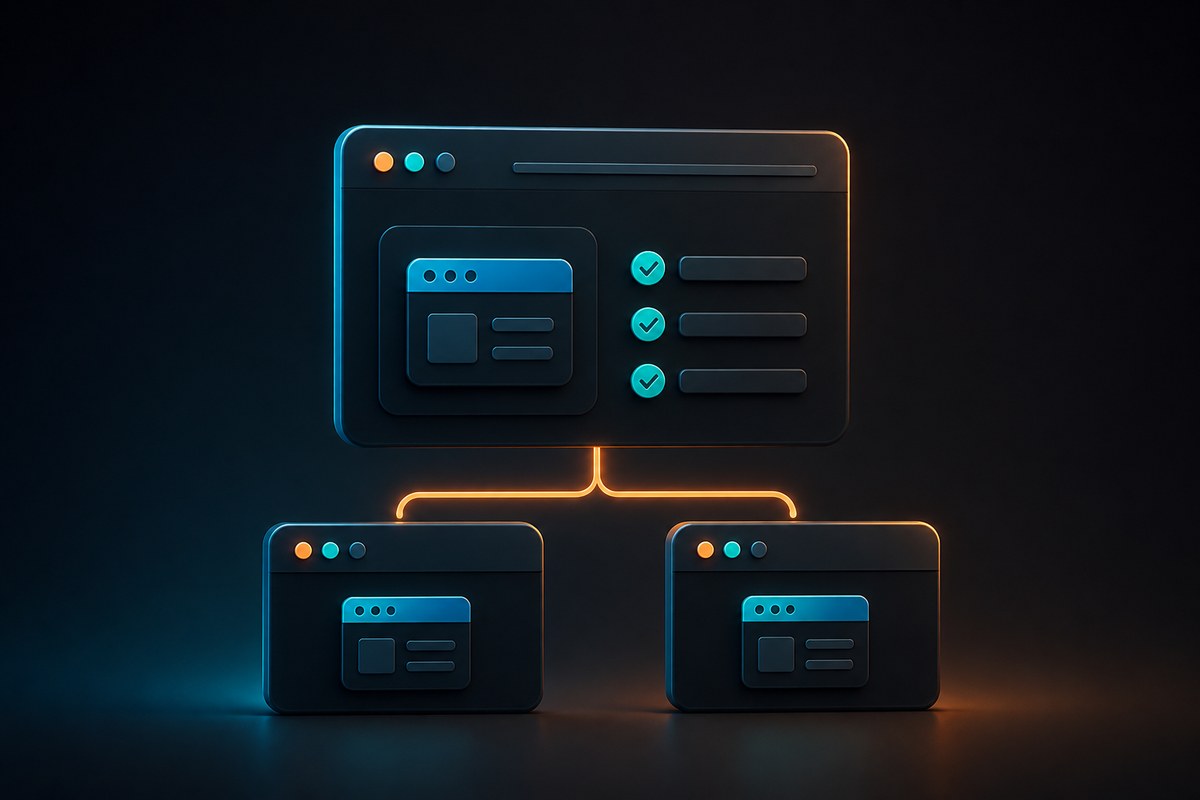
How AI browser workspaces reduce repeated setup

What to check before web workflow automation
Build traceable processes from schedules and Webhooks to run logs.

Why team permissions and audit matter
Keep access, activity, and change history in one system.